Plan
Lay out every quarter
Drag courses into the quarters you will take them. Credits add up as you go, and a light or heavy quarter is flagged.
- Prerequisite warnings sit on the cards.
- Placeholders hold a spot for a requirement you have not picked a course for.
Audit
See what is left in your degree
The audit covers every UW major and minor and updates the moment you move a course. Each requirement shows what counts toward it and what is still needed.
Schedule
Build a schedule from real sections
Pick a quarter's courses and get schedule options built from the Time Schedule. Section notes show next to the section.
Map
See your day on a map
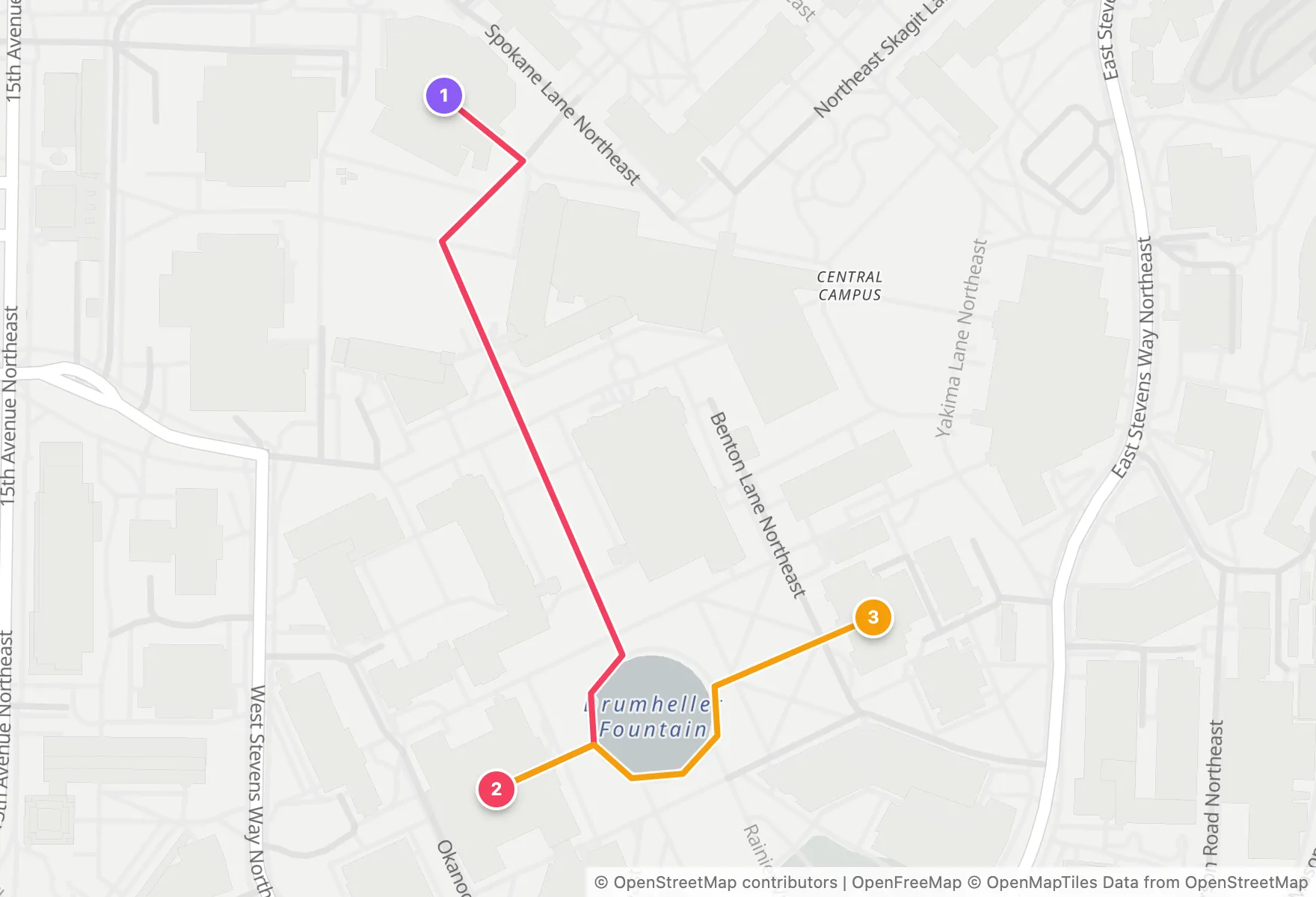
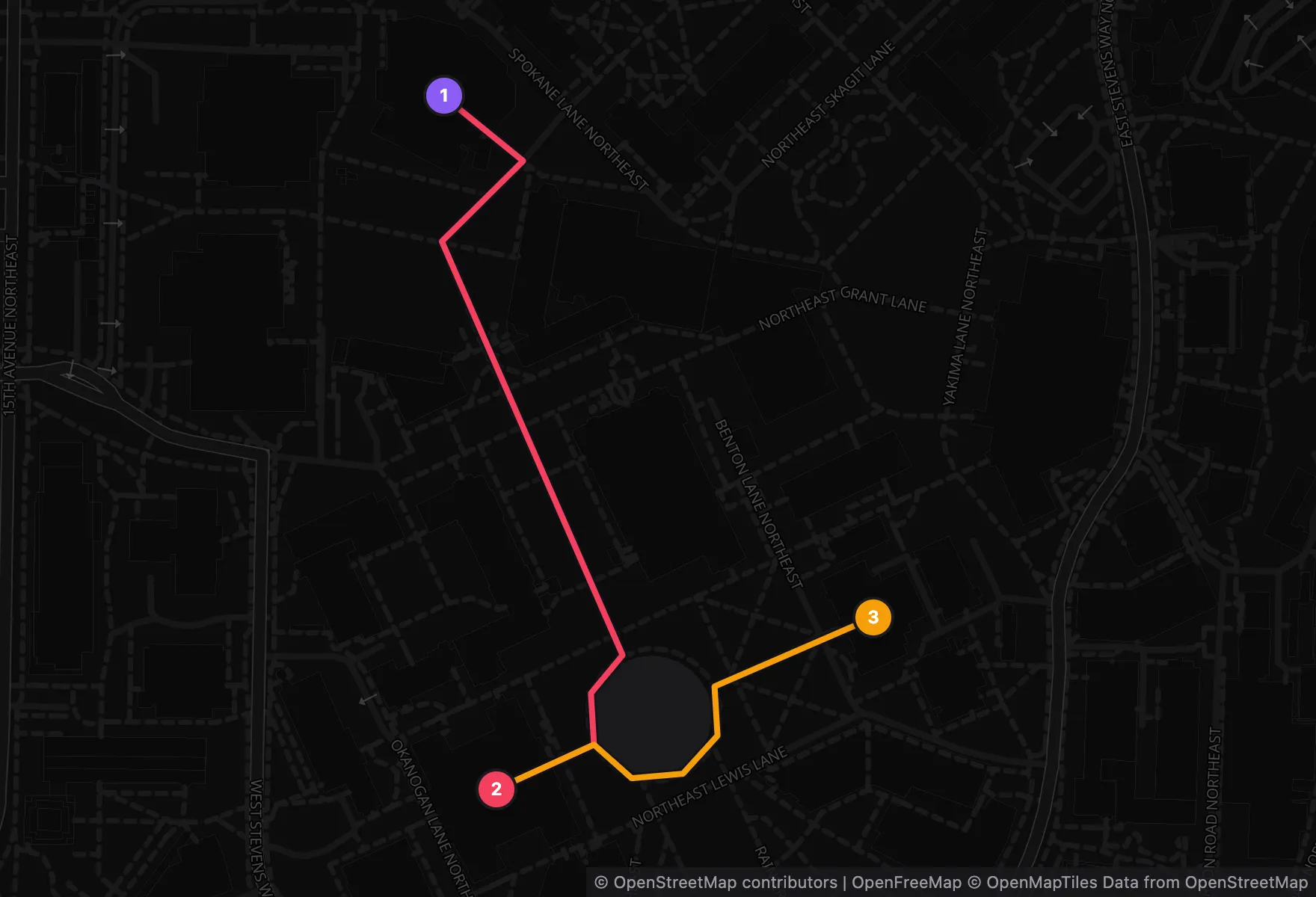
The Map tab plots each day's classes on the campus map, numbered in the order you attend them, with the walking route between buildings.
Each transition lists the walk and the break, and flags the ones that are too tight.
Import
Start from your transcript
Upload the unofficial transcript PDF from MyUW, or paste its text. It is read in memory and never stored.
Plans
Keep more than one plan
Switch between plans, rename them, or duplicate one to try a different path without losing the first.